8070 SMS check means sending a text message to 8070, a short code the Punjab government has used for several of its schemes, and reading the automatic reply. This guide explains which programs have used 8070 and when, how to send the right message, what the reply can tell you, and what to do when it does not reply.
The service works on any mobile phone. You do not need the internet, a smartphone or an app. But 8070 is not a general status checker for every Punjab scheme. It only works for the schemes that are using it at the time, and each one sets its own message format. For the Kisan Card, the scheme that uses it today, the message is an application, not a status check.
What 8070 actually is
8070 is a short code, not a program by itself. Think of it as a phone number that the Punjab government reuses. Depending on the scheme, a message to 8070 has started an application, checked eligibility or claimed a subsidy.
These are the programs we could confirm from official Punjab pages and major newspapers:
| When | Program | What people sent to 8070 |
|---|---|---|
| 2018 and 2019 | Fertiliser subsidy | The voucher number from inside the fertiliser bag (in 2018, with their CNIC) |
| 2020 | Insaf Imdad package, cash help during the Covid lockdown | Their CNIC and details, to apply |
| 2023, in Ramzan | Free flour scheme | Their CNIC, to check if they were eligible |
| 2024 onwards | CM Punjab Kisan Card | PKC, a space, then their CNIC, to apply |
| 2024 and 2025 | CM Punjab Livestock Card, Phases 1 and 2 | PLC, a space, then their CNIC, to apply |
As of September 2026, the Kisan Card is the one scheme where we found the Punjab government still giving an 8070 format. The Agriculture Department’s Kisan Card guidance tells farmers to send PKC and their CNIC to 8070, and the Punjab Portal’s Kisan Card page gives the same format, although it still shows the older 2024 loan figures. We found no official notice in 2026 of a new Kisan Card registration window, so call the Agriculture helpline 0800-17000 to confirm that new applications are being taken before you send it.
When the Livestock Card’s third phase opened in July 2026, the announcements listed the portal, the helpline and veterinary hospitals instead of 8070. Other schemes use other channels. For example, the CM Punjab Free Solar Panel Scheme took SMS applications on a different code, 8800, not 8070.
Because the same code is reused, what you type and the reply you get depend on which scheme is using it at that time. Outside an active phase, you may get no useful reply at all, and that does not mean anything is wrong with your CNIC.
Is 8070 used for the Ramzan package or PSER?
Many websites call Punjab’s Ramzan relief the “8070 Ramzan package”. We checked official Punjab releases and major newspapers for 2024, 2025 and 2026. We found no official announcement that 8070 was used to check or register for the Nigehban Ramzan package in any of those years:
- 2024: ration bags were delivered to homes. Families were picked from BISP and NADRA data, and complaints went to the helpline 0800-02345.
- 2025: registration in the Punjab Socio-Economic Registry (PSER) was required, online at pser.punjab.gov.pk or at union council and municipal offices. The helpline was 0800-02345.
- 2026: Nigehban cards were delivered to homes. Families who were missed were told to call the helpline 1000.
The last Ramzan relief on 8070 that we could confirm was the 2023 free flour scheme. In March 2025, some news explainers also gave the name “8070 Ramadan package” to the federal Prime Minister’s package, but they cited no official source. According to Dawn, the Prime Minister told ministries to point families to the 9999 helpline for information about that package’s digital wallets.
We also found no official source saying 8070 checks your PSER registration. To check PSER, log in at portal-pser.punjab.gov.pk or follow our PSER registration check guide. For the Ramzan relief itself, see our Nigehban Ramzan package guide.
How to do an 8070 SMS check
These steps work for any scheme that is using 8070. For the Kisan Card, they send an application.
Step 1: Use the right SIM
Send the message from a mobile number registered on your own CNIC. This is a common reason messages fail. For the Kisan Card, the Punjab government says the SIM must be registered on the same CNIC you send. If your SIM is registered on a relative’s CNIC, the system cannot match you.
You can see which SIMs are registered on your CNIC by sending your CNIC number, with no dashes, to 668, the PTA SIM information service. Our CNIC SIM check guide shows how.
Step 2: Type the message in the right format
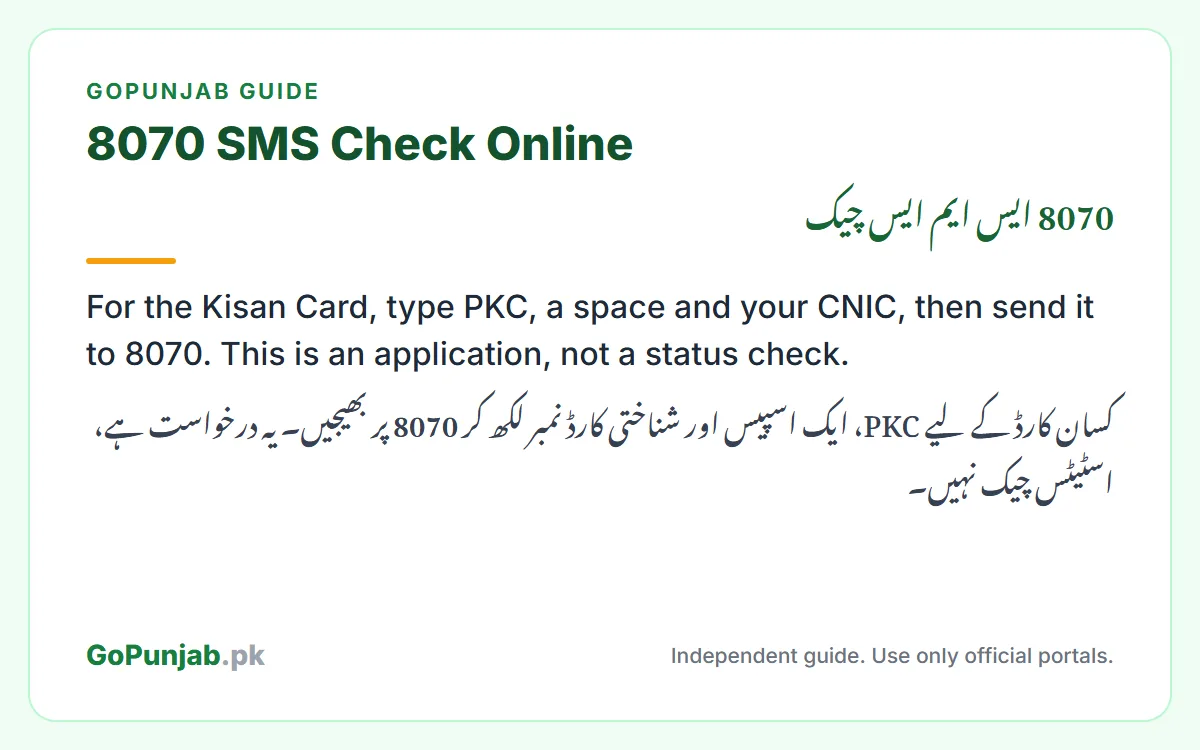
Each scheme announces its own format, and you must copy it exactly. As of September 2026, the Agriculture Department’s Kisan Card guidance gives this format:
PKC 3520212345671
That is PKC, one space, then your 13-digit CNIC. The number above is only a sample, so use your own. The Livestock Card used the same pattern with PLC in 2024 and 2025. In 2023, most newspaper reports described the free flour check as the CNIC number on its own.
Whatever the format, type the CNIC part with:
- No dashes
- No spaces inside the number
- No extra words beyond what the scheme asks for
So 3520212345671, not 35202-1234567-1.
Step 3: Send it to 8070
Send the message to 8070. There is no government fee to apply. We could not find an official statement on whether mobile networks charge for the SMS itself, so check your balance if that matters to you.
Step 4: Read the reply carefully
The government does not publish one standard list of 8070 replies, because each scheme sets its own. This is what official pages and newspapers have described:
- 2023 free flour: a confirmation message meant you could collect free flour at a distribution point. The caretaker government then announced a complaint centre to enrol eligible people who had received a “not eligible” message.
- Kisan Card: the SMS is your application, and the reply confirms it was submitted. PLRA then checks your land record and NADRA checks your CNIC. You get an SMS or a call when your card is ready, and you collect it from your nearest Assistant Director (Extension) Agriculture office. The Bank of Punjab issues the card.
- Livestock Card, 2024 and 2025: the SMS started your application. Applicants also had to be registered in the Livestock Department’s 9211 system and have a clean credit record.
So a reply is often the start of a process, not a final decision. Keep the message until the scheme is over. To follow a Kisan Card application after that, see our Kisan Card check online guide.
What to do if 8070 says you are not eligible
A “not eligible” reply is a status for one scheme at one moment. It is not a permanent judgment on your household, and it can change.
What to fix depends on the scheme:
- Kisan Card: as of September 2026, the Agriculture Department’s rules cover farmers who own 1 to 25 acres, with the land on record in PLRA, Punjab’s land records authority. Your SIM must be registered on your own CNIC. Our Kisan Card eligibility guide explains the checks and how to fix them.
- Livestock Card: you and your animals should be on the Livestock Department’s SPMS-9211 record. See our Livestock Card guide.
- Relief packages such as Nigehban: in 2025 and 2026, families were picked from the Punjab Socio-Economic Registry (PSER), so being in PSER matters most. Our PSER online registration guide explains how to register.
If you believe your household details are out of date, for example your income, family size, or disability status has changed, updating your PSER record matters more than sending the SMS again.
8070 versus 8171
These two codes are constantly confused, so it is worth being clear:
| 8070 | 8171 | |
|---|---|---|
| Run by | Government of Punjab | Federal government (BISP) |
| Used for | Kisan Card applications; Livestock Card in 2024 and 2025; free flour in 2023 | Benazir Income Support Programme |
| What it checks against | Depends on the scheme, for example PLRA land records for the Kisan Card | NSER survey data |
A reply from 8070 tells you nothing about your BISP status, and a reply from 8171 tells you nothing about Punjab schemes. If you want the federal side, see our 8171 check online guide.
Is there an 8070 web portal?
Many private websites advertise an “8070 web portal” and ask you to enter your CNIC. Be careful with these. We found no official government website by that name. Most of these sites are not government websites. Many collect CNIC numbers and show adverts, and some try to charge you.
For anything official, use the relevant scheme’s own government channel, such as pser.punjab.gov.pk for PSER, plc.punjab.gov.pk for the Livestock Card, or the Agriculture Department’s Kisan Card page, or visit an e-Khidmat Markaz in person. Most official Punjab scheme portals end in punjab.gov.pk.
Protect yourself from 8070 scams
Scheme seasons attract fraud. Remember:
- There is no government fee to apply. Nobody should ask you for money.
- The government does not ask you to send an easypaisa or JazzCash fee to “confirm” your registration.
- Never share an OTP or verification code with anyone, including someone claiming to be a government official.
- No agent can “get your name added” to a list for a fee.
A note on traffic e-challans. 8070 has also been used to send messages. In December 2025, the Punjab Safe Cities Authority (PSCA) said genuine e-challan alerts came from 8070. By March 2026, it said genuine e-challans come only from 9915, carry no payment links, and never ask for bank or card details. If an e-challan message with a link reaches you from 8070 or any other number, do not click it. PSCA has said you can call the Emergency Helpline 15 for guidance.
If someone demands payment, that is fraud. You can report it through the Pakistan Citizen’s Portal.
Where to get real help
If SMS is not working for you:
- PSER: use the PSER portal, call the PSER helpline 0800-02345, or visit a PSER registration centre
- Kisan Card: call the Agriculture helpline 0800-17000, or visit the Kisan Card help desk at your nearest Assistant Director (Extension) Agriculture office. For card activation, the Bank of Punjab’s Government Initiatives Helpline is 042-111-333-267
- Livestock Card: call the Livestock Department helpline 08000-9211
- General help: visit your nearest e-Khidmat Markaz
To see which Punjab and federal programs your household may qualify for, try our free eligibility checker.
GoPunjab is an independent information website. We are not the Government of Punjab, and we have no access to 8070. We cannot check your CNIC, register you for any scheme, or release a payment. We only explain how the official process works so you can complete it correctly yourself.