PSER online registration is how families in Punjab join the Punjab Socio-Economic Registry, the government survey that some welfare programmes use to decide which households get help. This guide explains the current status, the documents you need, every step of the online form, the common mistakes to avoid, and what happens after you submit.
PSER stands for the Punjab Socio-Economic Registry. The government describes it as a “prosperity survey” that runs across the province to find underprivileged households and connect them with government facilities. Registering does not guarantee any payment. It puts your household on record so the government can check whether you qualify for different schemes. The official PSER website is pser.punjab.gov.pk.
PSER registration status in September 2026
Check this before you start. As of September 2026:
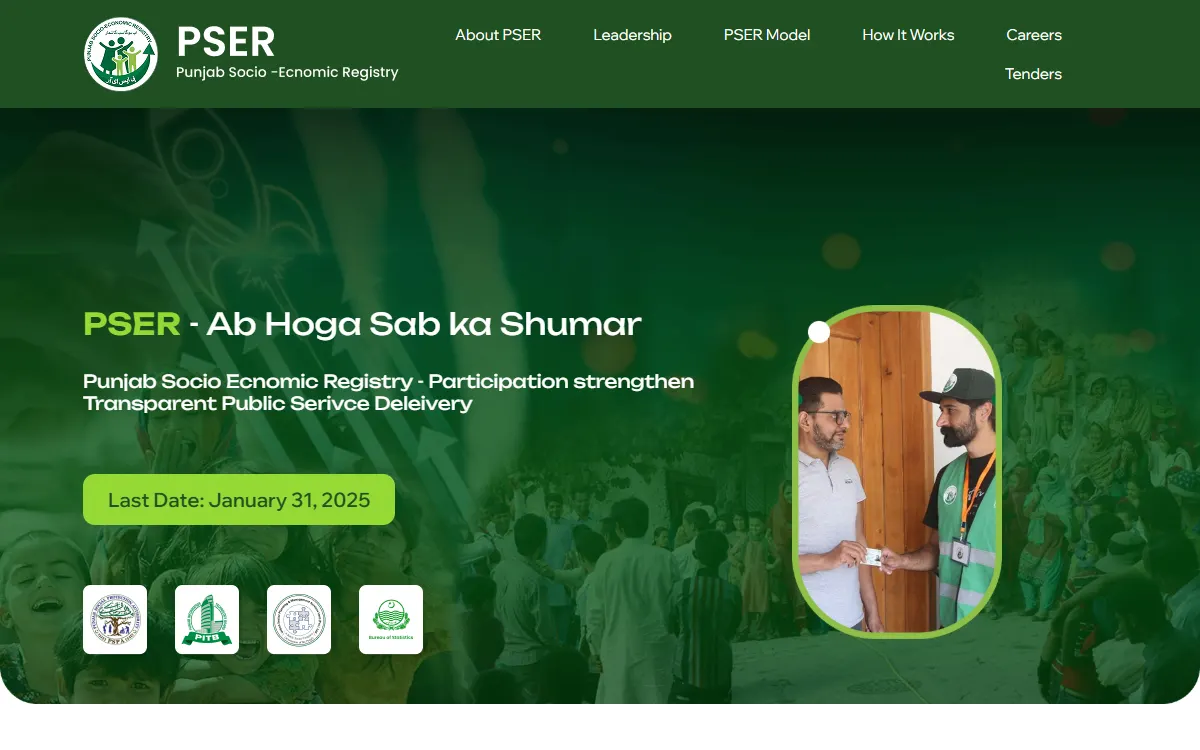
- The official website, pser.punjab.gov.pk, shows information about the registry but no registration button. Its “Last Date: January 31, 2025” notice is old.
- In the Punjab budget speech on 17 June 2026, the government said PSER had been fully completed during 2025-26, with data on more than 110 million people. In September 2026, a PSPA official put it at 92 percent complete, so official statements differ. The official website says the registry is built through a door-to-door survey.
- The government also said PSER is being turned into an authority, with Rs 2 billion set aside for its expansion in 2026-27.
We could not find any new online registration window announced for 2026. So before you try the steps below, call the PSER helpline 0800-02345 and ask whether online registration is open and how to add or update your household. This number was announced as the PSER helpline in January 2025, and the Punjab Portal now lists it as the Chief Minister Complaint Center line, so ask there. Our last date and phases guide tracks the latest position.
Why PSER registration matters
PSER is Punjab’s own household registry. Your data is turned into a PMT score, which some programmes use to choose who gets help. As of September 2026, official sources name PSER for:
- The Rehmat Card for widows and orphans, which selects families from the PSER database and its PMT score
- Apni Chhat Apna Ghar housing loans, which require PSER registration with a PMT score of 60 or below
- The Nigehban Ramzan package, where PSER registration was a condition in 2025
A government advert from the August 2024 launch said PSER registration was mandatory for almost every Punjab scheme. The current official rules of several schemes say otherwise: the Himmat Card uses the BISP score, the Kisan Card checks land records, NADRA and your SIM, the Livestock Card uses the Livestock Department’s own register, and the Sehat Card works on your CNIC alone. Our what is PSER guide explains which schemes use which check. Being on record still matters, because without it the programmes that do use PSER have nothing to check.
The ways to register
PSER has collected household data in three ways. All of them are free. The table below shows how each one works.
| How to register | Best for | What you need | How fast |
|---|---|---|---|
| Online portal | People comfortable using a phone or computer | CNIC, active mobile number, email | Fastest, can finish in one sitting |
| Registration centre | People who find forms hard or have no internet | Same documents, plus your CNIC card | Staff help you in person |
| Door-to-door survey | Families a survey team visits at home | CNIC and B-Forms kept ready at home | Whenever a team reaches your area |
When PSER launched in 2024, the government said it had set up thousands of registration centres, at union council and municipal offices across Punjab. The door-to-door survey began in April 2025. If online registration is open and you are comfortable with a phone, it is usually the fastest, so the rest of this guide explains the online form.
Documents you need before you start
Keep these ready so you can finish in one sitting and avoid losing your progress:
- Valid CNICs of all adult family members. You enter these exactly as printed on the card.
- B-Forms for children under 18, which show each child belongs to your household.
- An active mobile number that can receive messages, because the portal uses it to confirm your account.
- An email address, which you need to create your login and to reset your password later.
Having every number ready before you log in is the simplest way to avoid mistakes.
How to do PSER online registration, step by step
These are the official steps the online form has used.
Step 1: Open the official portal
Go to the official website, pser.punjab.gov.pk. During the 2024 and 2025 campaign, the online form started here, and the login page for registered users is portal-pser.punjab.gov.pk. Be careful of copycat websites that copy the name to trick you. Check the address bar before you type anything.
Step 2: Create your account
On the registration screen, enter:
- Your full name
- Your CNIC number
- Your mobile network
- Your mobile number
- Your email address
Then create a password and type it twice to confirm it. Click Register to create your account. Choose a password you can remember, because you need it every time you log in.
Step 3: Log in and start a new application
Log in using your CNIC and the password you just made. Click New Application. The portal shows a truthful-declaration notice, which says the information you provide is correct. Read it and accept it to continue.
Step 4: Enter the head of family details
Enter the head of the family’s name and CNIC, then provide their gender and date of birth. The head of the family is the main person the household is registered under. Most households register once, under one head of family.
Step 5: Complete the household details
Continue through the household questions. This part asks about the people in your home and their health status, including whether anyone has a disability or a chronic disease. It also covers education, work and income, your address, your house and assets, and any agricultural land. Answer honestly, because these answers make up your PMT score, and your details are cross-checked with government records.
Step 6: Submit your application
Review your answers to make sure everything is correct, then submit the form. Once submitted, your household is on record in the registry. You can log back in later to check the status.
Common registration mistakes and how to avoid them
Most failed applications come from a few simple errors. Avoid these:
- Using a copycat website. Only pser.punjab.gov.pk and portal-pser.punjab.gov.pk are official. Many fake sites use a similar name, so always check the address bar.
- Typing the CNIC wrong. Enter the 13 digits exactly as printed on the card, with no spaces. One wrong digit can attach your data to the wrong person.
- Using a mobile number that is off or not yours. The portal sends messages to this number, so use an active number you can check.
- Paying someone to register you. Registration is free everywhere. If anyone asks for a fee, treat it as a warning sign.
- Registering more than one person from the same home. PSER records one application per household, led by the head of the family. Registering twice can cause problems.
- Leaving health or disability details blank. These answers feed into your PMT score, so complete them honestly.
- Forgetting your password. Save it somewhere safe. If you lose it, you can reset it by email on the login portal.
- Stopping halfway. If you leave the form for too long you can lose your progress, so keep all documents ready and finish in one sitting.
What happens after you submit
After you submit, your information is saved in the registry. Under an agreement signed in November 2024, NADRA validates and enriches PSER data, supports central data management with privacy protections, and helps expand access through registration centres and the door-to-door survey.
The official PSER website explains the next steps. PSPA cleans and validates the data, then sends CNICs to government departments to verify wealth and assets before a PMT score is worked out. That score is used internally and is not shown to the public. So submitting your application is not the same as being approved for a payment. Each programme then applies its own rules. To understand the score and the income rules, read the PSER eligibility criteria.
How to check your PSER status after registering
You do not register again to check your status. Log in at the official login page, portal-pser.punjab.gov.pk, with your CNIC and password, then open your application to see where it stands. For a full walkthrough, read our PSER registration check guide. If you cannot log in, the portal login and password reset guide explains how to get back in.
Who should make sure they are registered
PSER matters most for the households the government is trying to reach. Make sure your record exists and is correct if any of these describe your home:
- A family earning under Rs 50,000 a month, which is the priority range for income-based support.
- A widow, or a household with orphans, because the Rehmat Card selects families from PSER.
- A family that owns a small plot and wants a housing loan, because Apni Chhat Apna Ghar requires a PSER score of 60 or below.
- A household with a person who has a disability, or elderly members, which are priority groups the registry looks for.
If you are a farmer, note that the Kisan Card has its own process by SMS to 8070 and checks land records, not PSER. If you are not sure where you fit, read what PSER is and the eligibility criteria first.
A quick word on deadlines
PSER has never had one permanent last date. Registration opened in July 2024, the official website later showed “Last Date: January 31, 2025”, PSER registration for the 2025 Ramzan package had a deadline of 15 February 2025, and door-to-door teams then surveyed households from April 2025 into 2026. Never trust a single “last date” you see on a random blog. Read our last date and phases guide for the full timeline.
Need help during registration
For official help, call the PSER helpline 0800-02345. If someone asks you for money to register you, report it on the Pakistan Citizen’s Portal, and never share an OTP. To see which programmes may fit your household, try our free eligibility checker. For other schemes, see our list of Punjab government helpline numbers.
GoPunjab is an independent information website. We are not PSPA or the Punjab government, and we cannot register you, check your application, or fix payments. We only explain how the process works, so you can do it yourself or get help from an official source.