A Himmat Card check online lets persons with disabilities see their application status and payment by CNIC on the DPMIS portal. This guide shows you how to check, step by step, what each result means, and what to do if your status does not appear.
If you have already done Himmat Card registration, checking your status confirms whether you are approved and when your stipend is due.
What you need to check
A Himmat Card check online is quick. You only need:
- Your 13-digit CNIC (the one used at registration)
- A phone or computer with internet
You do not need a password to check the public status, and you should never need to pay or share a code.
How to check your Himmat Card status online
- Go to the DPMIS portal verification page at dpmis.punjab.gov.pk.
- Enter your 13-digit CNIC (without dashes).
- Click search to see your status.
The portal shows whether your application is approved and your current status. Your CNIC is how the system finds your record.
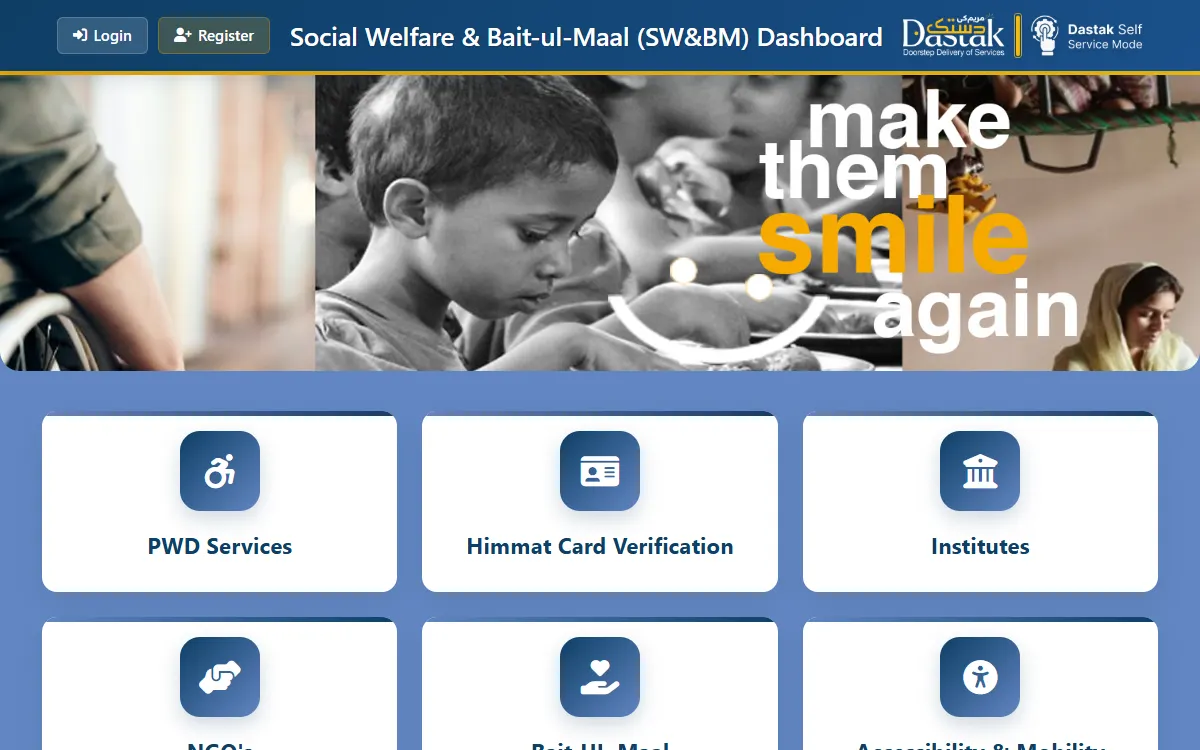
Understanding your Himmat Card result
- Approved or registered. Your record is in the system. This confirms your status but is not, by itself, a guarantee of a specific payment date.
- Under review. Your data is still being processed. Check again later.
- Not found. Your CNIC is not in the system yet, which usually means registration is not complete.
Eligible Himmat Card holders receive Rs 10,500 every three months through the approved payment method. Amounts can change, so confirm the current figure on the official portal.
Himmat Card balance check: what you can actually see
Many people search for a “Himmat Card check balance online by CNIC”, so it is worth being clear about what the official portal does and does not show.
- What you can see: whether your record is in the system and what your application status is. That is a status check, not a bank statement.
- What it does not show: a rupee balance the way an ATM slip does. The DPMIS verification page was built to confirm records, not to display a wallet balance.
- The amount: eligible holders receive Rs 10,500 every three months. Treat that as “as of 2026” and confirm the current figure officially.
- To confirm money you have actually received: use the payment channel named in your approval message, ask at your District Social Welfare Office, or call 1312 with your CNIC ready.
Anyone offering to “show your balance” for a fee is not the government, and no official check asks for money.
If your status does not appear
- Check that you typed your CNIC correctly, without dashes.
- The portal can be busy; try again later, ideally off-peak.
- If your record still does not show, you may not be registered yet, or your data may be under review.
Call 1312 or visit your District Social Welfare Office to confirm what is happening with your record.
Check without internet
If you cannot use the portal, call the helpline 1312, or visit your nearest District Social Welfare Office with your original CNIC. Staff there can check your status and guide you. Keep your CNIC and any registration slip with you.
Whose record the portal can find
The Himmat Card is for persons with disabilities who are certified as such by Social Welfare Punjab and assessed as not fit to work. People who are employed, or who already receive support through BISP, Zakat or PSPA, are generally not eligible, and criteria can change, so confirm the current rules on the official portal.
That matters for a check, because the portal can only find a record that exists. If your CNIC returns nothing and you have never completed registration, the check is not the problem: the application is. Our Himmat Card registration guide sets out the documents you need, which include a disability certificate from an authorised medical board, your CNIC or B-Form, proof of residence, photographs and a mobile number registered on your CNIC.
Approved, but no payment yet
This is the most common situation people write about, and it is worth separating two things:
- Your status tells you whether your record is approved and in the system.
- Your payment follows the quarterly cycle, and an approved status is not a promise of a date.
If your status says approved and a full quarter has passed with no payment, do not pay anyone to “release” it. Instead, call 1312 with your CNIC ready, or take your original CNIC and registration slip to your District Social Welfare Office, which can see your record and tell you what stage it is at.
If you are already registered, use the check page rather than filling the registration form again. A second application does not speed anything up, and it gives you two records to untangle later.
How often to check
Checking more than once a day tells you nothing new. A sensible rhythm is:
- Once around each quarterly payment, to confirm the stipend has been processed.
- After any change in your CNIC, mobile number or address, since those are how the system reaches you.
- Whenever you get a message claiming something about your card, to verify it against the official portal instead of trusting the message.
You can check for a family member using their CNIC, since the public check needs no password, but never share an OTP or PIN with anyone who contacts you about a Himmat Card.
Stay safe
Checking is free. To protect yourself:
- Only use the official site, dpmis.punjab.gov.pk. Check the address bar.
- Never pay anyone to check your status or “release” your payment.
- Never share an OTP, PIN, or fingerprint with someone who contacts you.
To learn the full registration process, see our Himmat Card registration guide.
GoPunjab is an independent information website. We cannot check your status or release any payment. We only explain how to do it yourself on the official portal.